Design systems for startups: a practical guide for small teams
You don’t need a design team to have a design system. Colours, type, spacing and a handful of components are enough to look professional from day one.
 TwoSprint Team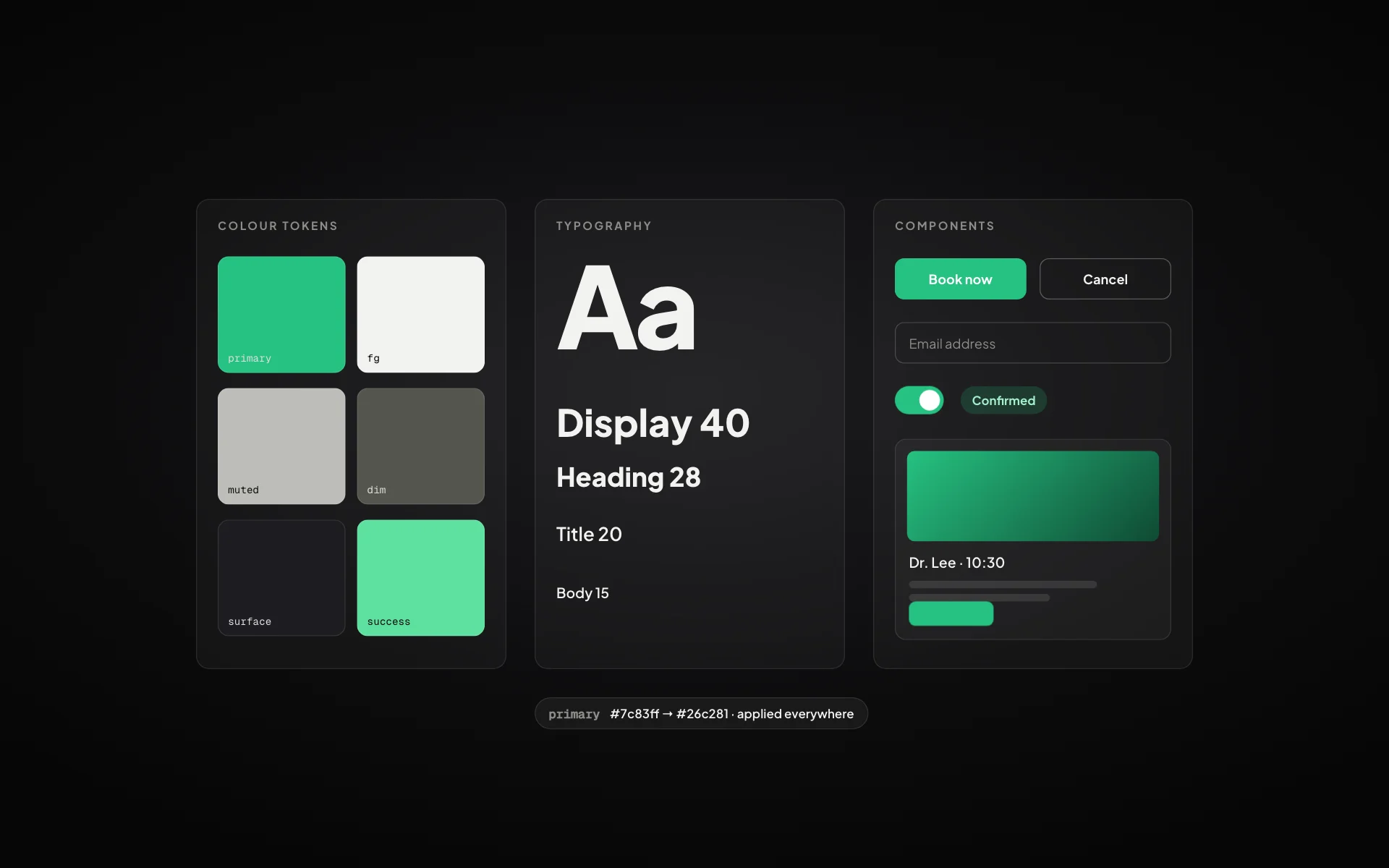
Big companies have design systems with hundreds of components and a team to maintain them. Startups hear that and decide a design system is something for later. That is a mistake. A small design system is what makes a young product look consistent and trustworthy, and it saves time on every screen you build after the first one.
What a startup design system actually needs
Forget the giant libraries. Version one needs a few decisions, written down once and reused everywhere:
- Colour: a primary, a neutral scale, and colours for success, warning and error
- Typography: one or two typefaces and a fixed set of sizes
- Spacing: a scale (for example 4, 8, 12, 16, 24, 32) used for every gap and padding
- Radius and shadows: one or two of each, used consistently
- Core components: buttons, inputs, cards, navigation, modals and tables
Start from the brand, not the components
Components look right when they come from clear brand decisions. Decide how the product should feel (calm, bold, playful, premium) and let that drive colour, type and shape. A finance tool and a kids’ learning app should not share the same radius and palette.
Store colours, sizes and spacing as named tokens (like color.primary or space.4) instead of raw values. Changing the brand later becomes a matter of editing tokens, not hunting through every screen.
Design states, not just screens
A component is not finished when its default state looks good. Each one needs hover, focus, disabled, loading, empty and error states. These are exactly the details that make an app feel professional, and the ones most often skipped.
Keep it alive
A design system only helps if it is used. Build new screens from it, and when you need something new, add it to the system first. The moment screens start using one-off colours and sizes, consistency starts to slip.
Consistency is the cheapest way for a small product to look like a serious one.
How TwoSprint handles it
The Branding & Design System step in Sprint 1 sets your identity, typography, colours, icons and UI elements once. You can start from a professional template and make it yours. Hi-Fi Design then applies it to every screen from the Flow Builder, and Sprint 2 builds the product with the same tokens.
Plan, build and grow like a professional
Turn your idea into a structured product plan, build it into a working product, and grow with dedicated tools.
Start your productKeep reading
All posts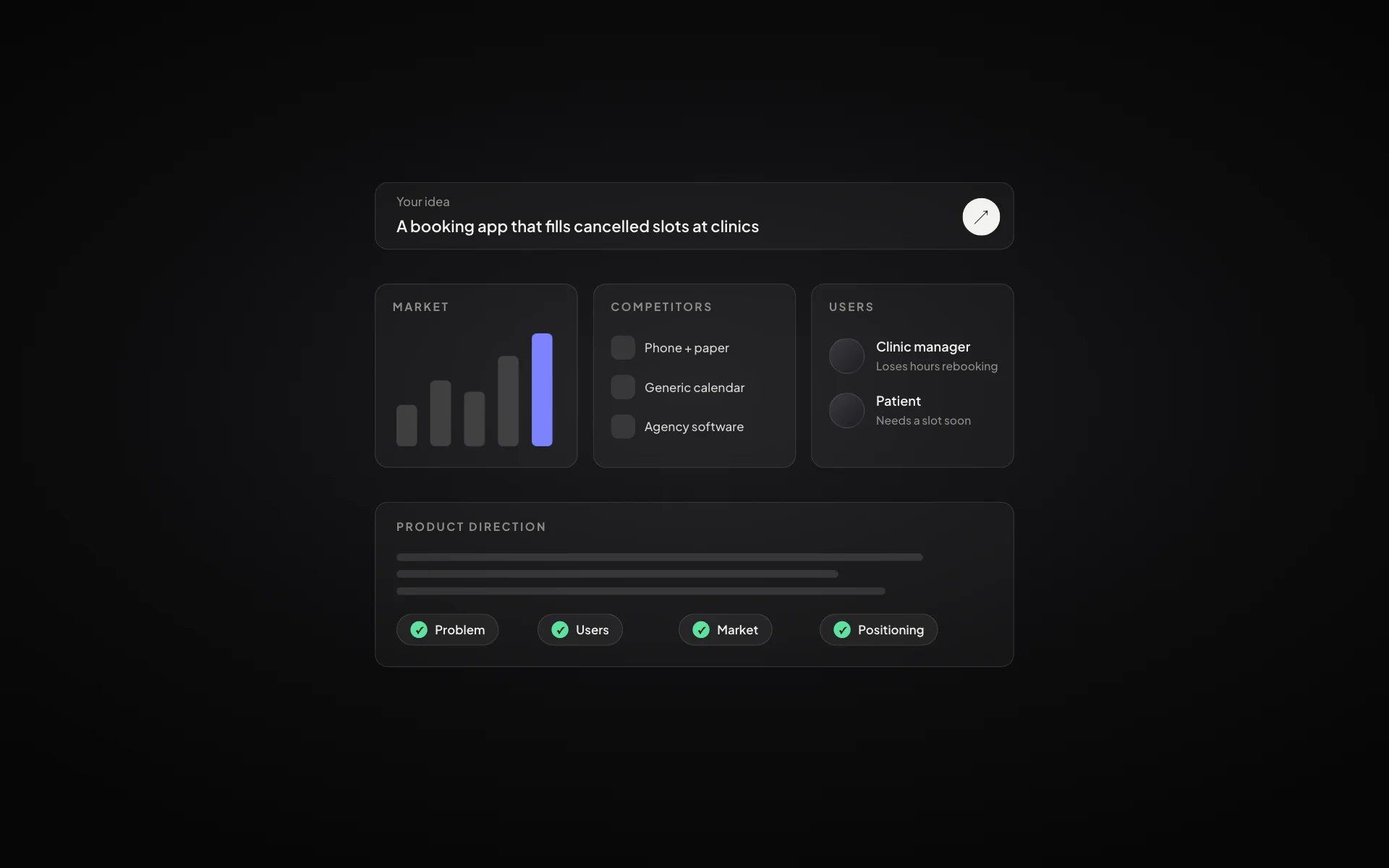
How to validate a startup idea before you build anything
Five checks that tell you whether an idea is worth building: the problem, the people, the alternatives, the willingness to pay and the first channel.
Read article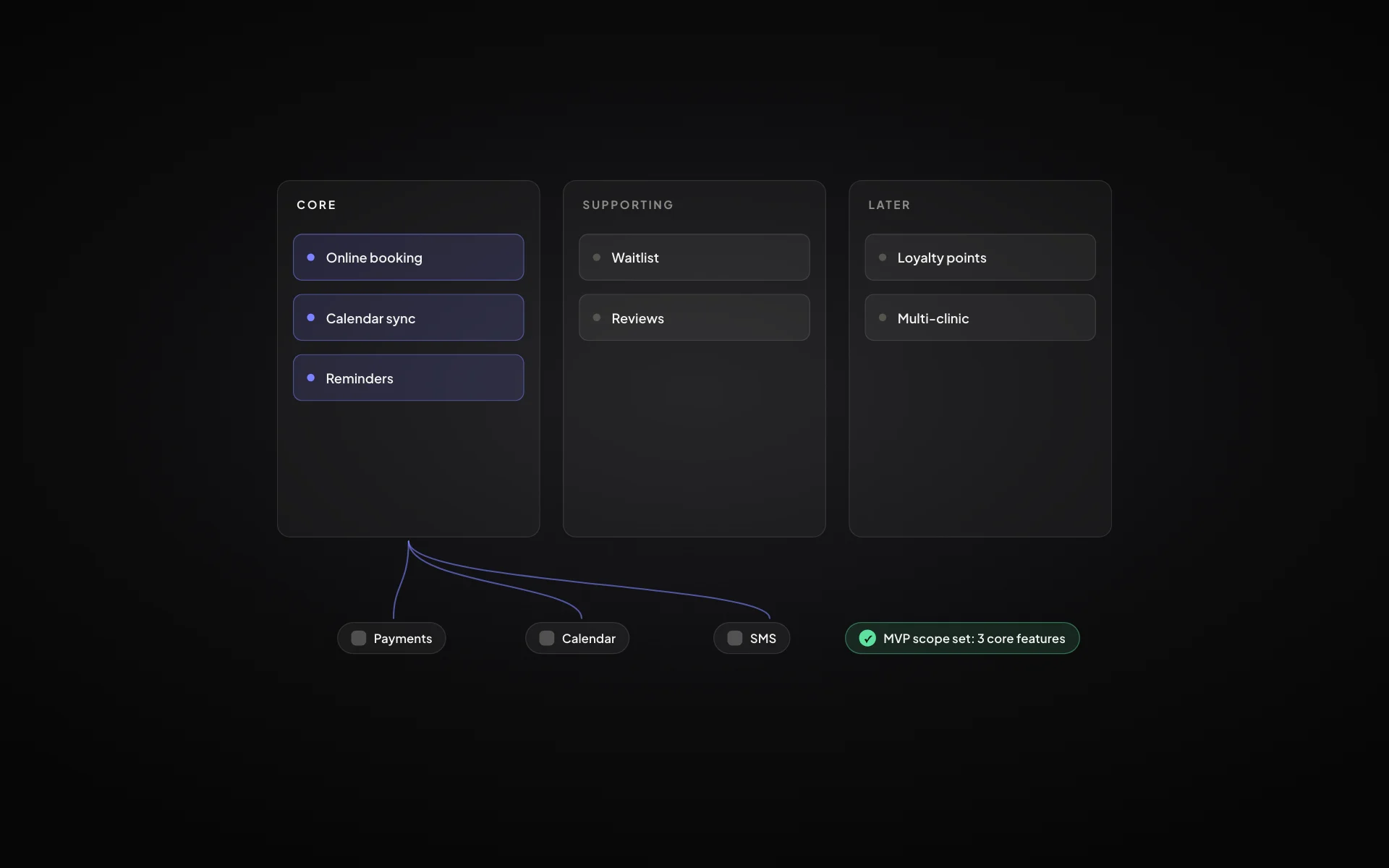
MVP scope: how to decide what goes into version one
A practical way to cut a feature list down to a minimum viable product that still solves the problem end to end.
Read article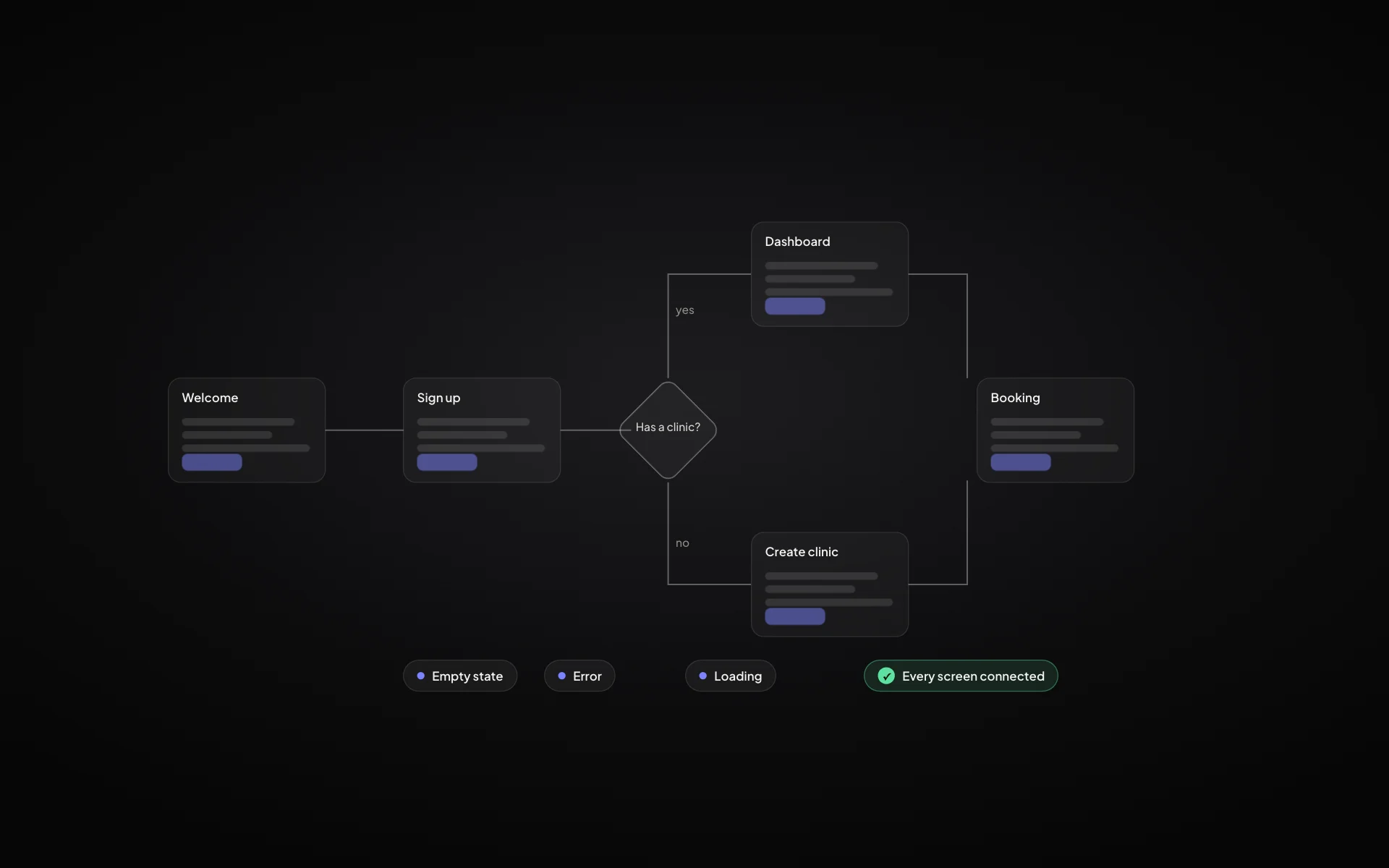
User flow vs user journey: what’s the difference and when to use each
Journeys show the whole experience over time; flows show the exact screens and decisions. Here is how they fit together in a product plan.
Read article