User flow vs user journey: what’s the difference and when to use each
Journeys show the whole experience over time; flows show the exact screens and decisions. Here is how they fit together in a product plan.
 TwoSprint Team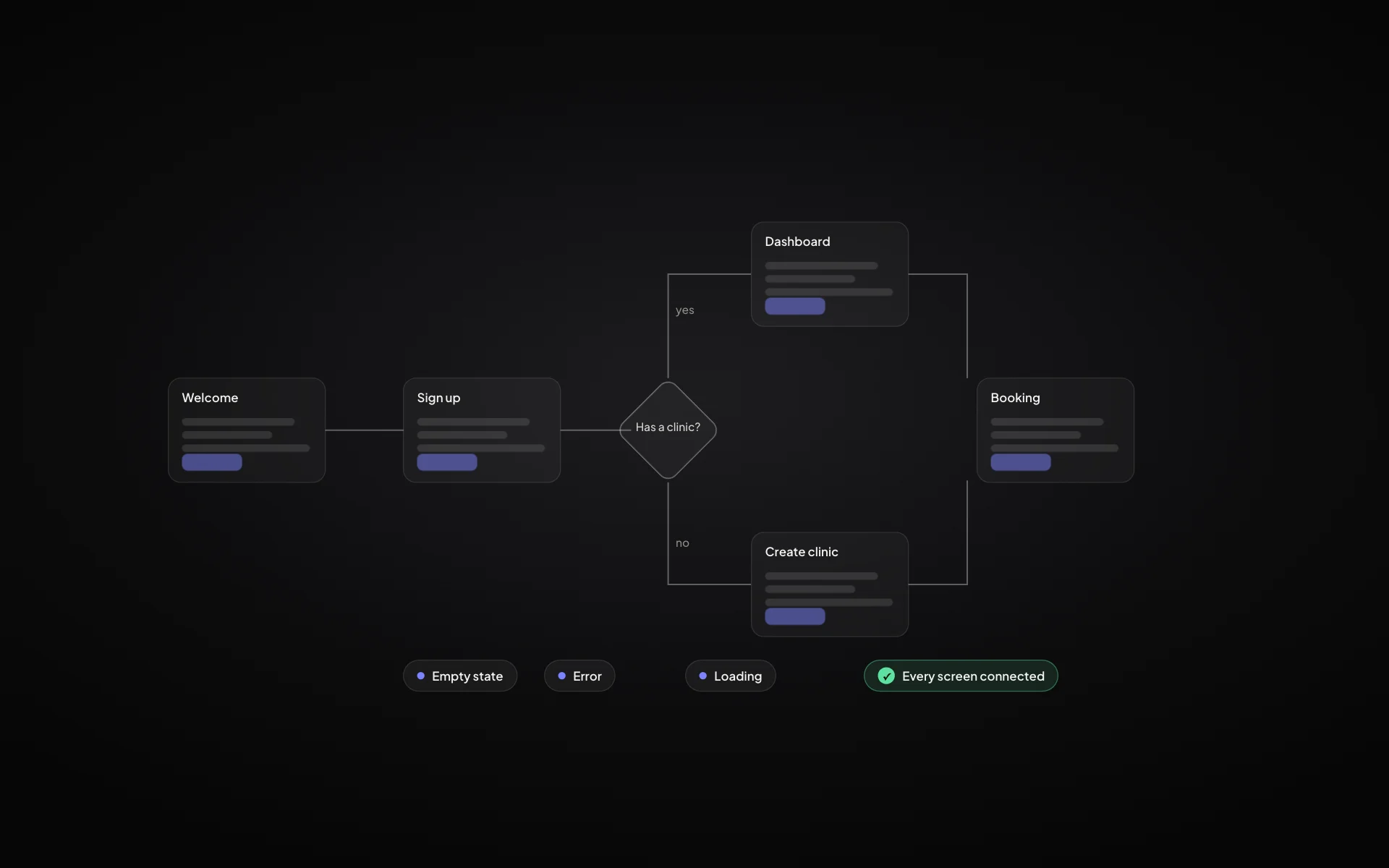
User flows and user journeys are often used as if they meant the same thing. They don’t, and mixing them up is how products end up with beautiful screens that don’t connect, or a lovely journey map that nobody can build from.
A user journey is the story
A user journey describes the whole experience from the user’s point of view, over time and across channels. It covers how they discover the product, how they start, what makes them come back and what makes them leave. It includes moments outside your app: a search, an email, a conversation with a colleague.
- Discovery: how they find out the product exists
- Activation: the first time they get real value
- Engagement: the habit that brings them back
- Retention: why they stay instead of switching
A user flow is the path through the product
A user flow is narrower and more exact. It shows the screens, states and decisions a user goes through to complete one task inside the product: sign up, create a booking, invite a teammate. Each box is a screen or a state, each arrow is an action, and each branch is a decision or an error.
A journey answers “why and when”. A flow answers “which screen, then which screen”.
When to use each
Use journeys early, while you are still deciding what the product is. They show which moments matter and where users drop off. Use flows once you know what to build, to design every screen and make sure nothing is missing: empty states, errors, permissions, loading.
How they connect
The best plans go from one to the other. Each important moment in the journey becomes one or more flows. If a journey step has no flow behind it, something is missing from the product. If a flow serves no journey step, it may not belong in the first version.
Journeys keep the product honest about the user. Flows keep it honest about the build.
In TwoSprint
Sprint 1 maps journeys first (discovery, activation, engagement and retention) and then feeds them into the Flow Builder, where every screen, state and transition is laid out. Because both live in the same plan, the design system and Sprint 2 build know exactly which screens exist and how they connect.
Plan, build and grow like a professional
Turn your idea into a structured product plan, build it into a working product, and grow with dedicated tools.
Start your productKeep reading
All posts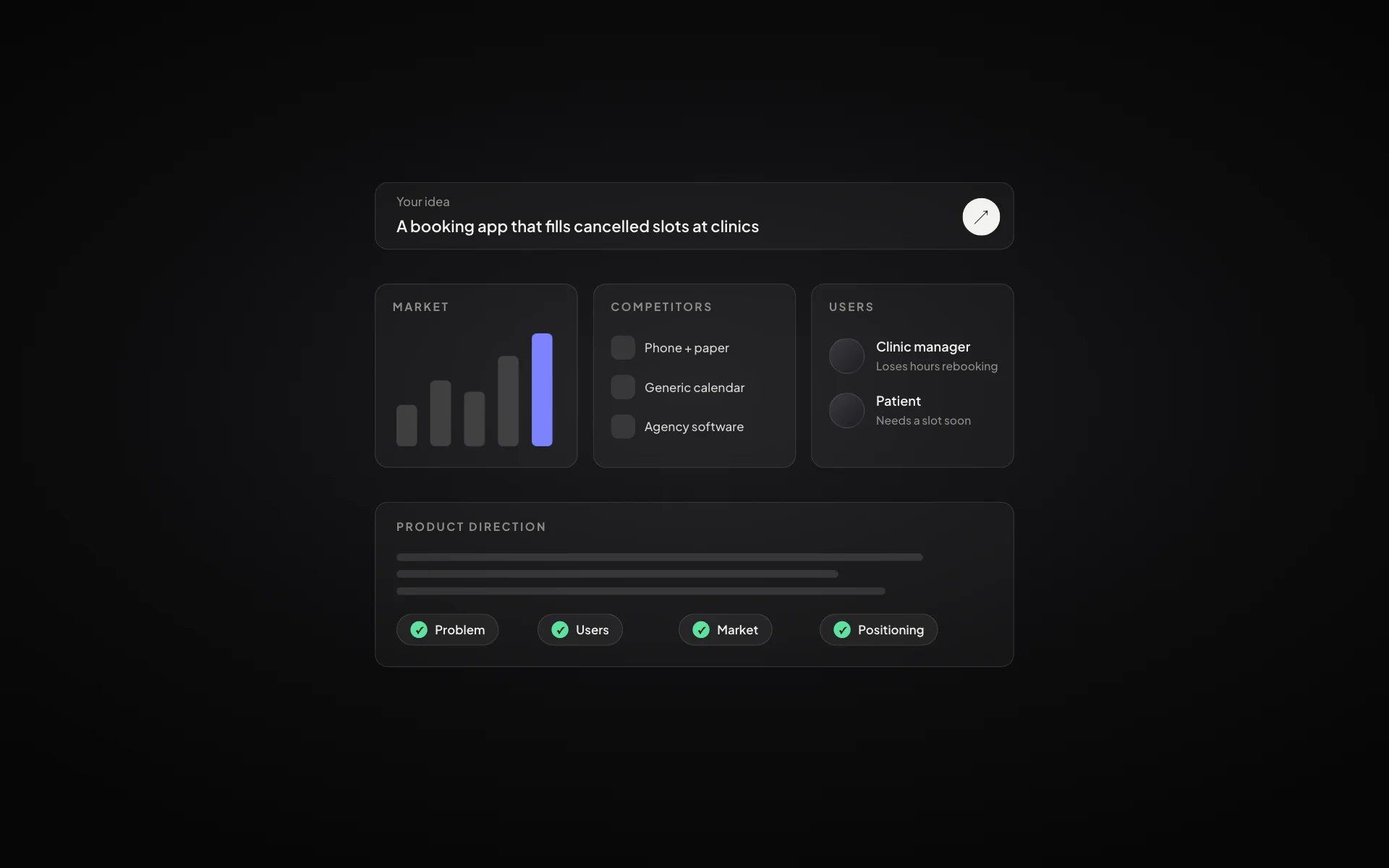
How to validate a startup idea before you build anything
Five checks that tell you whether an idea is worth building: the problem, the people, the alternatives, the willingness to pay and the first channel.
Read article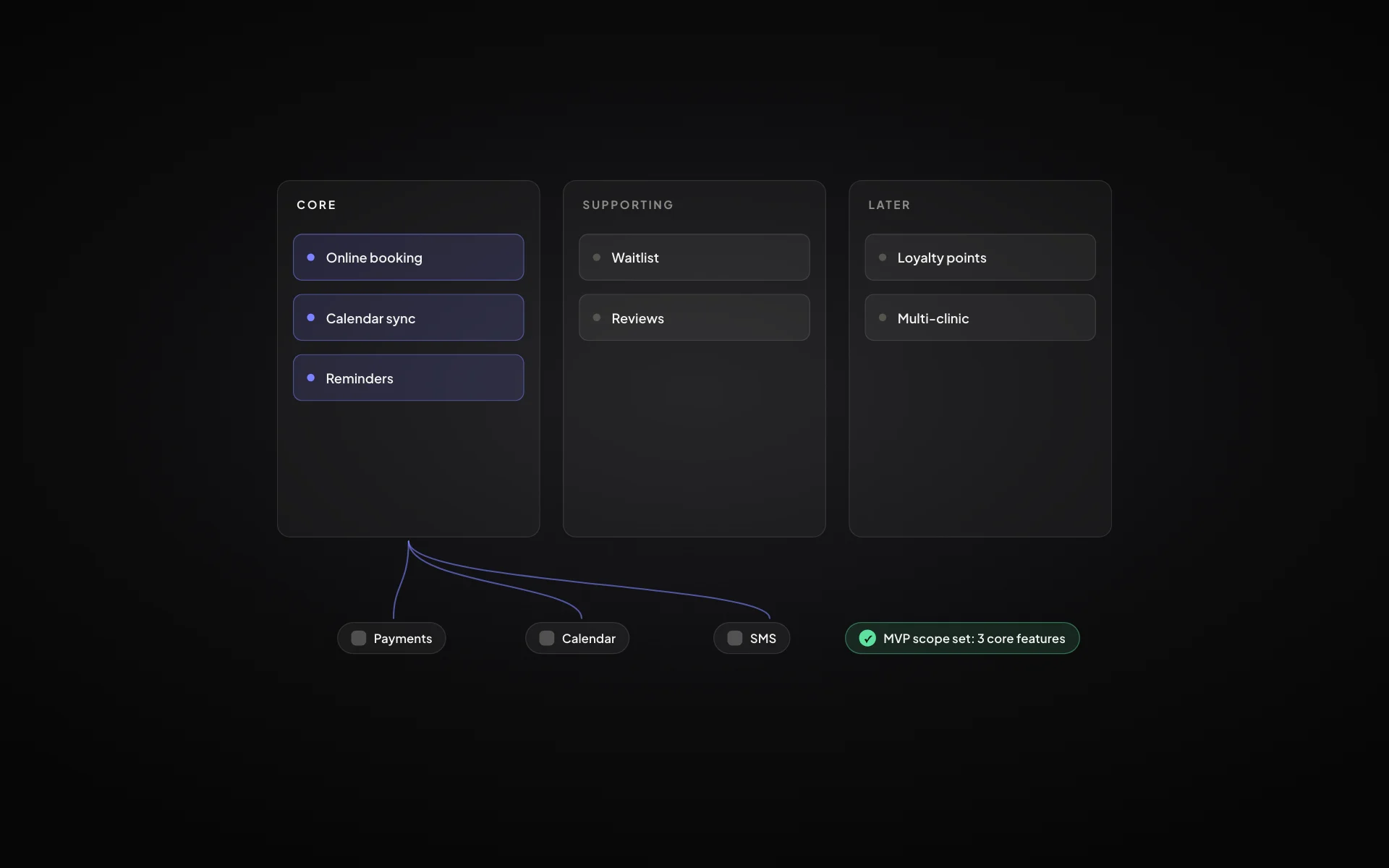
MVP scope: how to decide what goes into version one
A practical way to cut a feature list down to a minimum viable product that still solves the problem end to end.
Read article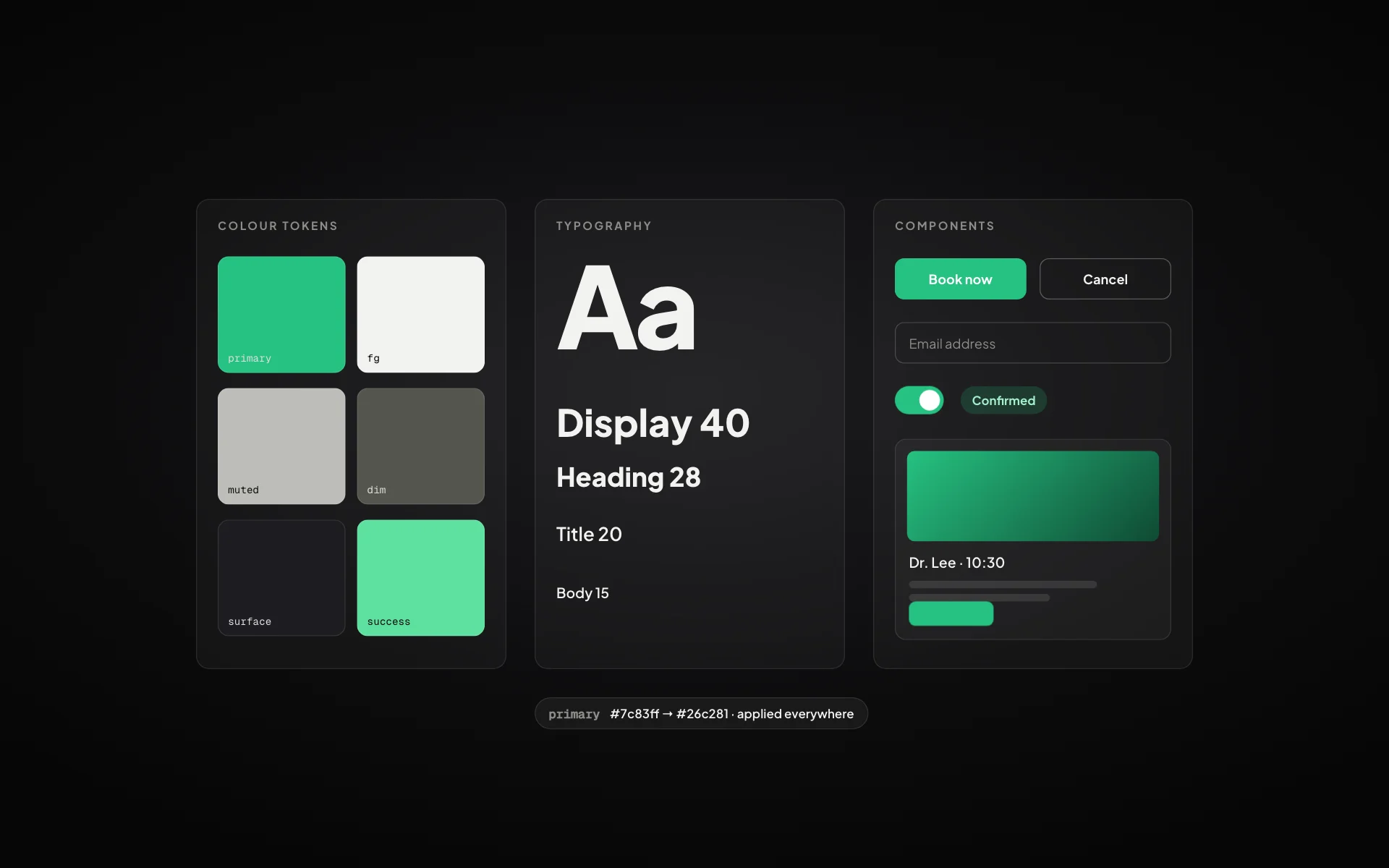
Design systems for startups: a practical guide for small teams
You don’t need a design team to have a design system. Colours, type, spacing and a handful of components are enough to look professional from day one.
Read article