MVP scope: how to decide what goes into version one
A practical way to cut a feature list down to a minimum viable product that still solves the problem end to end.
 TwoSprint Team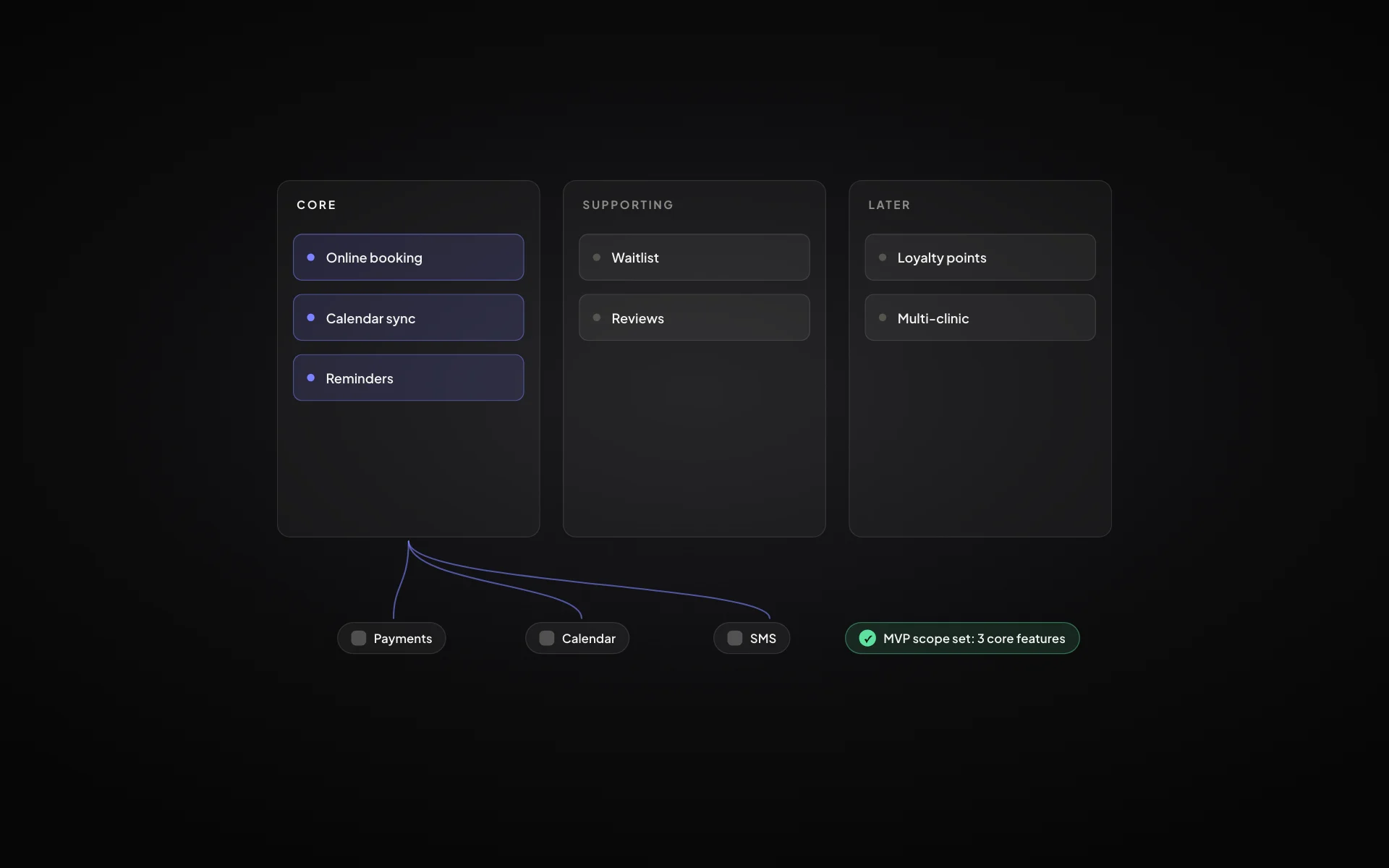
Almost every first version is too big. Founders add features to feel safe, then spend months building things no user touches. A well-scoped MVP is not a smaller product; it is the smallest product that still solves the problem from start to finish for one kind of user.
This guide walks through how to get there without guessing.
Start from the job, not the feature list
Write down the one job your primary user hires the product to do. For a booking app it might be “fill cancelled slots without phone calls”. Every feature in version one must help that job get done, or support something that does. Everything else waits.
Draw the shortest path to a result
Sketch the steps a new user takes from arriving to getting their first real result. Sign up, set up, do the thing, see the outcome. Each step needs certain screens and features. That list is your core. It is usually much shorter than the feature list you started with.
If a user can reach their first result without a feature, the feature is not in the MVP.
Sort the rest with MoSCoW
For everything left over, use a simple MoSCoW pass: Must have, Should have, Could have, Won’t have this time. Be strict with “must”: it means the product is broken without it, not that a competitor has it.
- Must: needed for the shortest path to work at all
- Should: makes the core noticeably faster or clearer
- Could: nice, but nobody will leave without it
- Won’t (yet): written down, dated and parked
Watch out for hidden scope
The features you list are not the whole job. Roles and permissions, notifications, empty states, errors, admin tools and billing all hide inside “simple” features. Map them early so the estimate is honest. Most MVPs slip not because of the features people discussed, but because of the ones nobody wrote down.
Fix the scope, then keep it fixed
Once the scope is agreed, treat changes as trade-offs: something comes in, something goes out. A written plan makes this possible because everyone can see what was decided and why.
Scope creep is not a discipline problem. It is what happens when the plan was never written down.
How TwoSprint helps
In Sprint 1, the Feature Set step sorts features into core, supporting and later, and Journeys maps the shortest path to a first result. Hidden scope, like roles, states and admin screens, surfaces in the Flow Builder before any code is written. Sprint 2 then builds exactly that scope.
Plan, build and grow like a professional
Turn your idea into a structured product plan, build it into a working product, and grow with dedicated tools.
Start your productKeep reading
All posts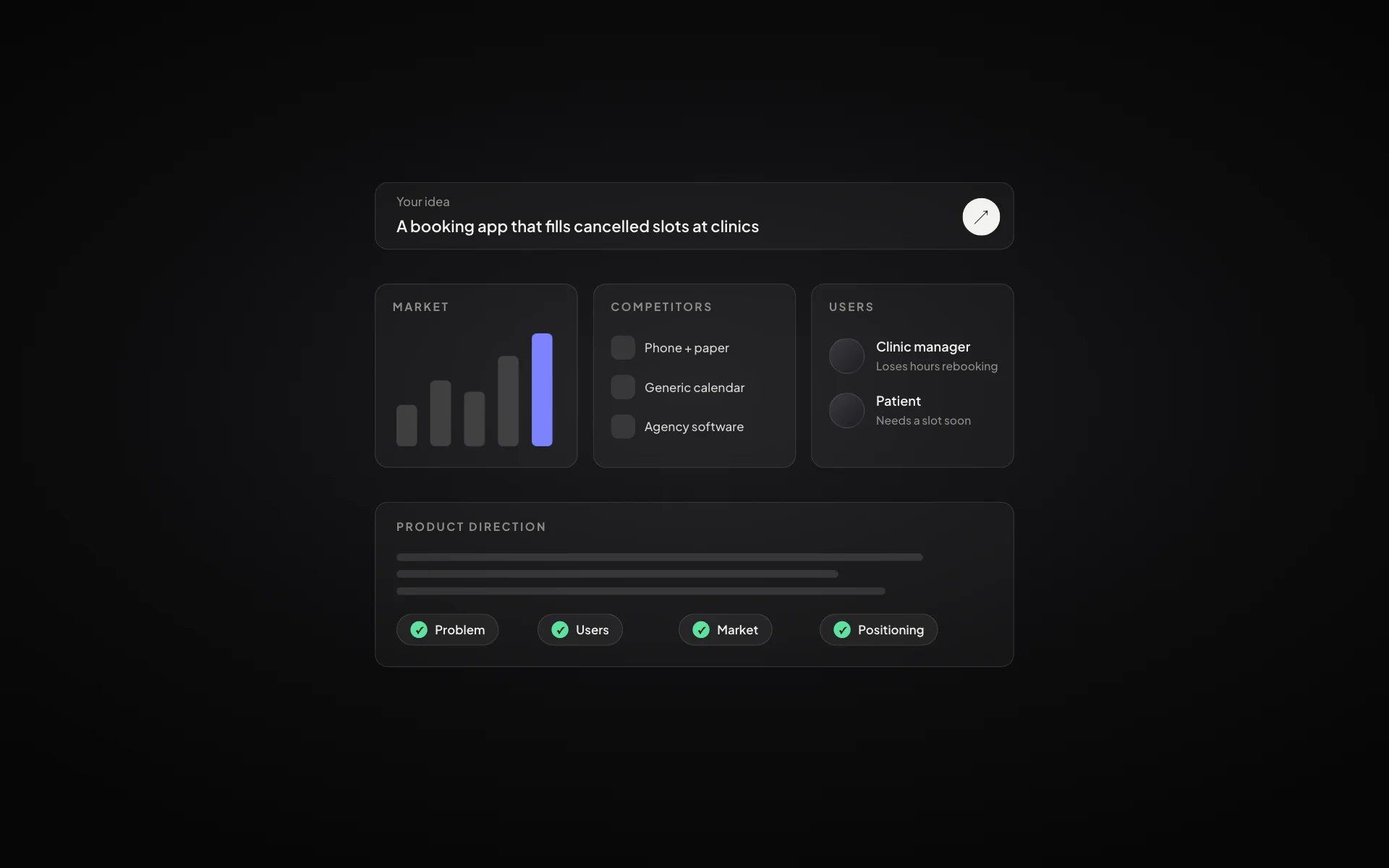
How to validate a startup idea before you build anything
Five checks that tell you whether an idea is worth building: the problem, the people, the alternatives, the willingness to pay and the first channel.
Read article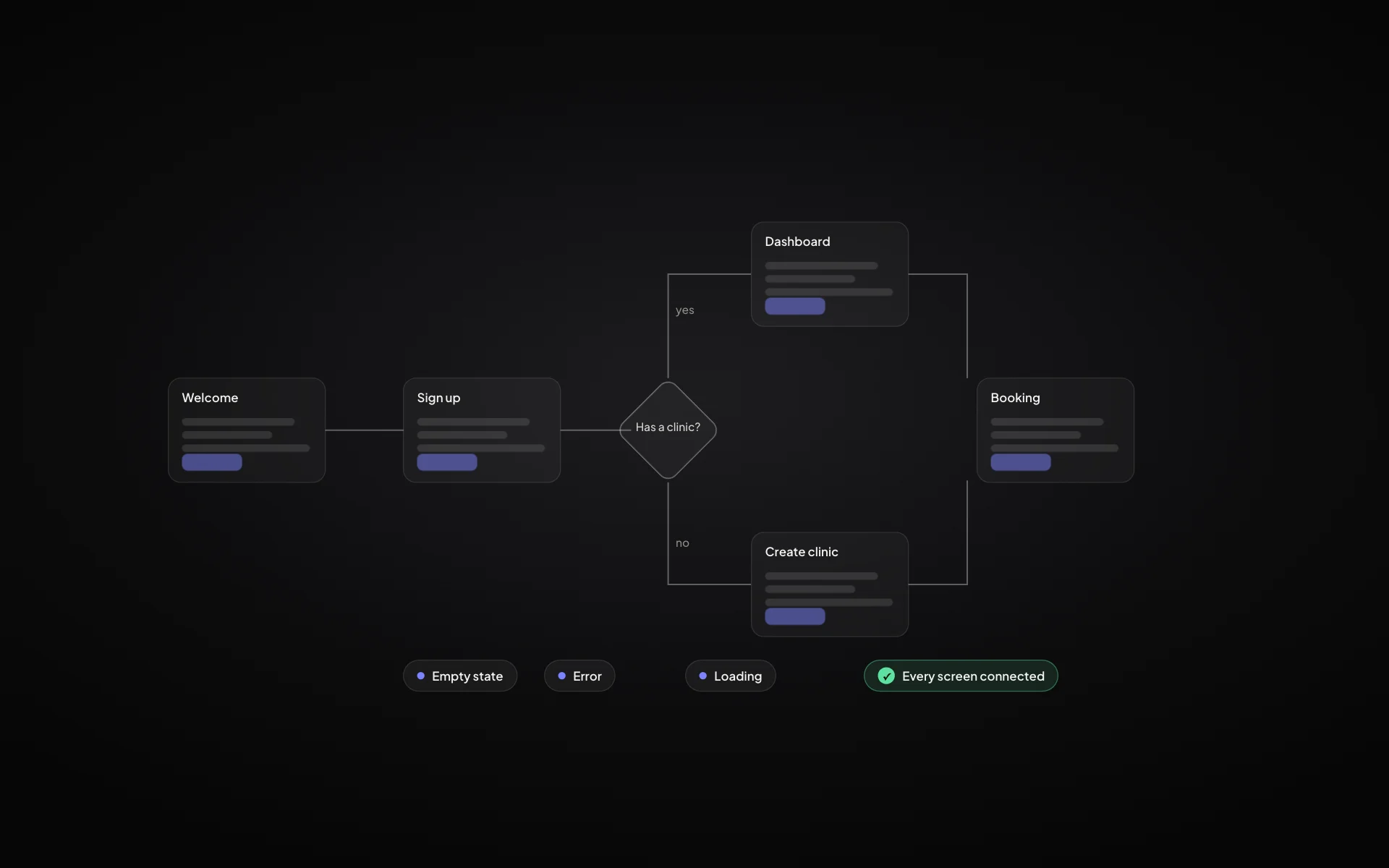
User flow vs user journey: what’s the difference and when to use each
Journeys show the whole experience over time; flows show the exact screens and decisions. Here is how they fit together in a product plan.
Read article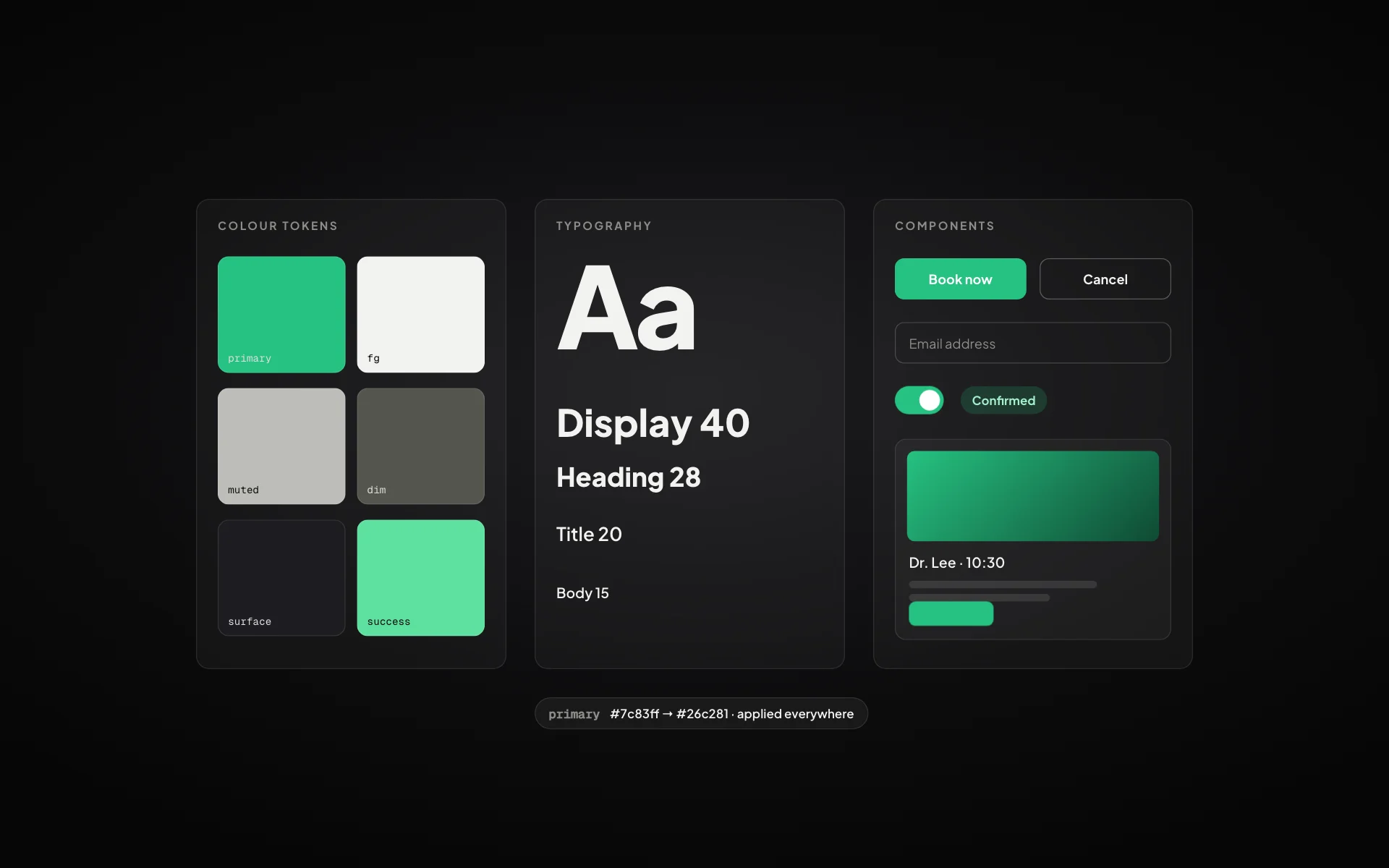
Design systems for startups: a practical guide for small teams
You don’t need a design team to have a design system. Colours, type, spacing and a handful of components are enough to look professional from day one.
Read article