Why most AI-built apps stall after the prototype
Generating screens is easy. Shipping a real product needs structure, and that has to come before the build.
 TwoSprint Team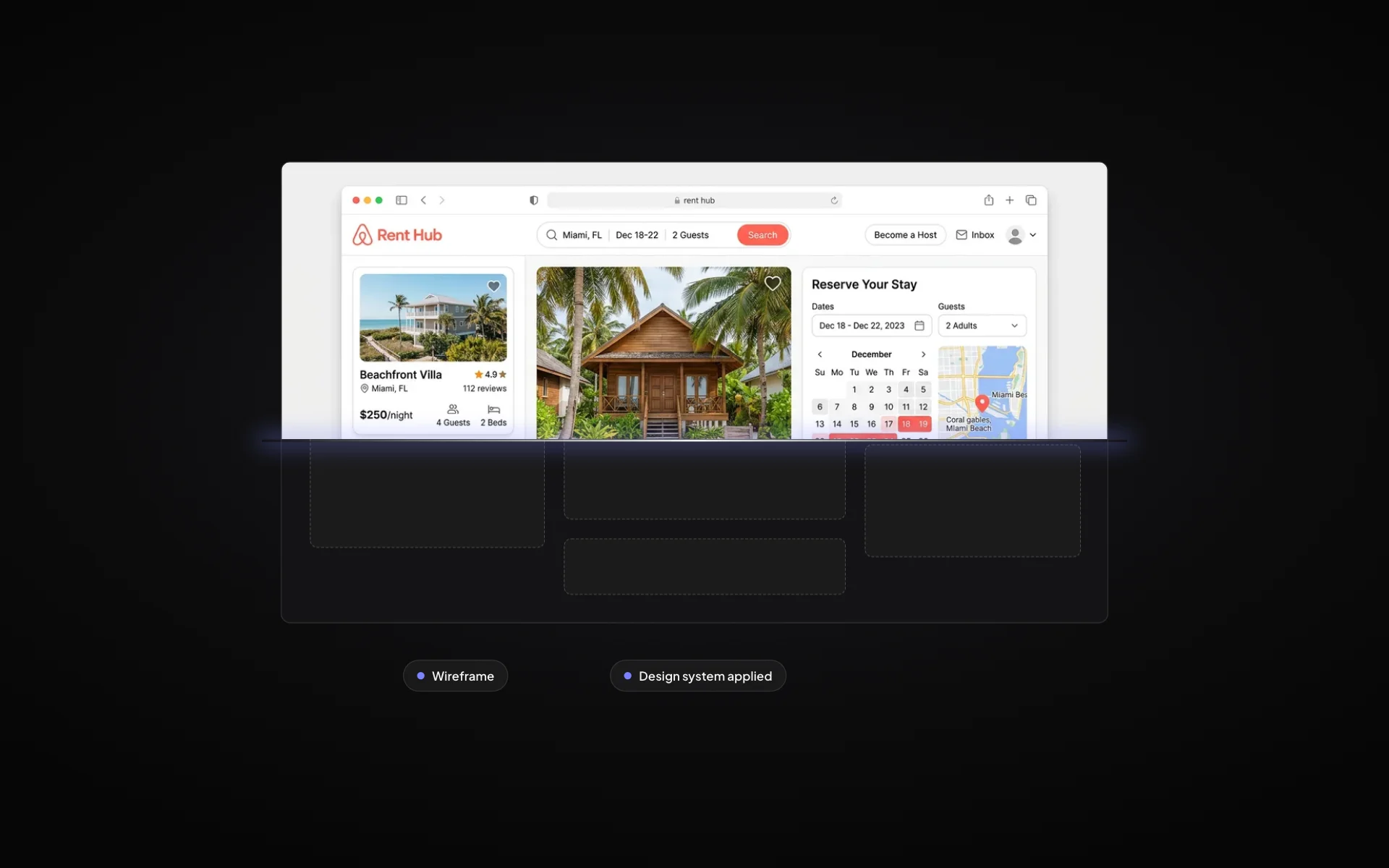
AI app builders have made the first day of a project magical. You type a prompt and a working screen appears. The problem shows up on day ten, when the app has grown and every new request breaks something that used to work.
The prototype trap
When an app is built one prompt at a time, each decision is made locally. The data model is whatever the first screen needed. The navigation is whatever made sense at the time. None of it was designed to fit together, so at some point it stops fitting.
- Features overlap or contradict each other
- The data model can’t support the next feature
- Design drifts from screen to screen
- Fixing one thing breaks two others
Structure has to come first
Real products have dozens of pages, several user roles and flows that depend on each other. That complexity is manageable, but only if it is planned. The build needs a blueprint: what exists, how it connects, and in what order to make it.
Instead of asking the AI to guess, you ask it to execute a decision that has already been made.
Plan, then build
This is why TwoSprint splits the work into two sprints. Sprint 1 produces a complete product plan. Sprint 2 checks that the plan is ready, then builds the product directly from it, so the tenth week is as predictable as the first day.
Plan, build and grow like a professional
Turn your idea into a structured product plan, build it into a working product, and grow with dedicated tools.
Start your productKeep reading
All posts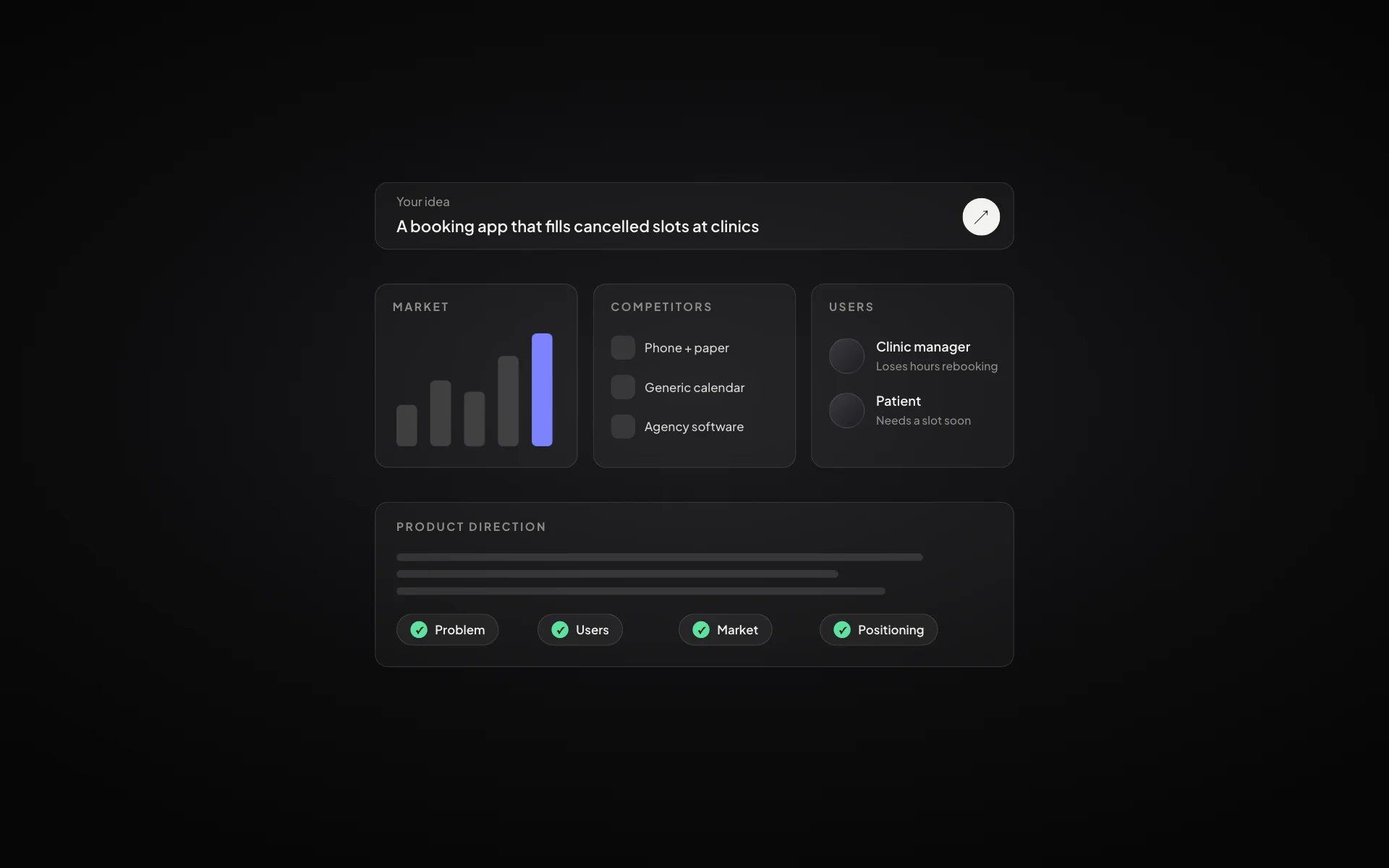
How to validate a startup idea before you build anything
Five checks that tell you whether an idea is worth building: the problem, the people, the alternatives, the willingness to pay and the first channel.
Read article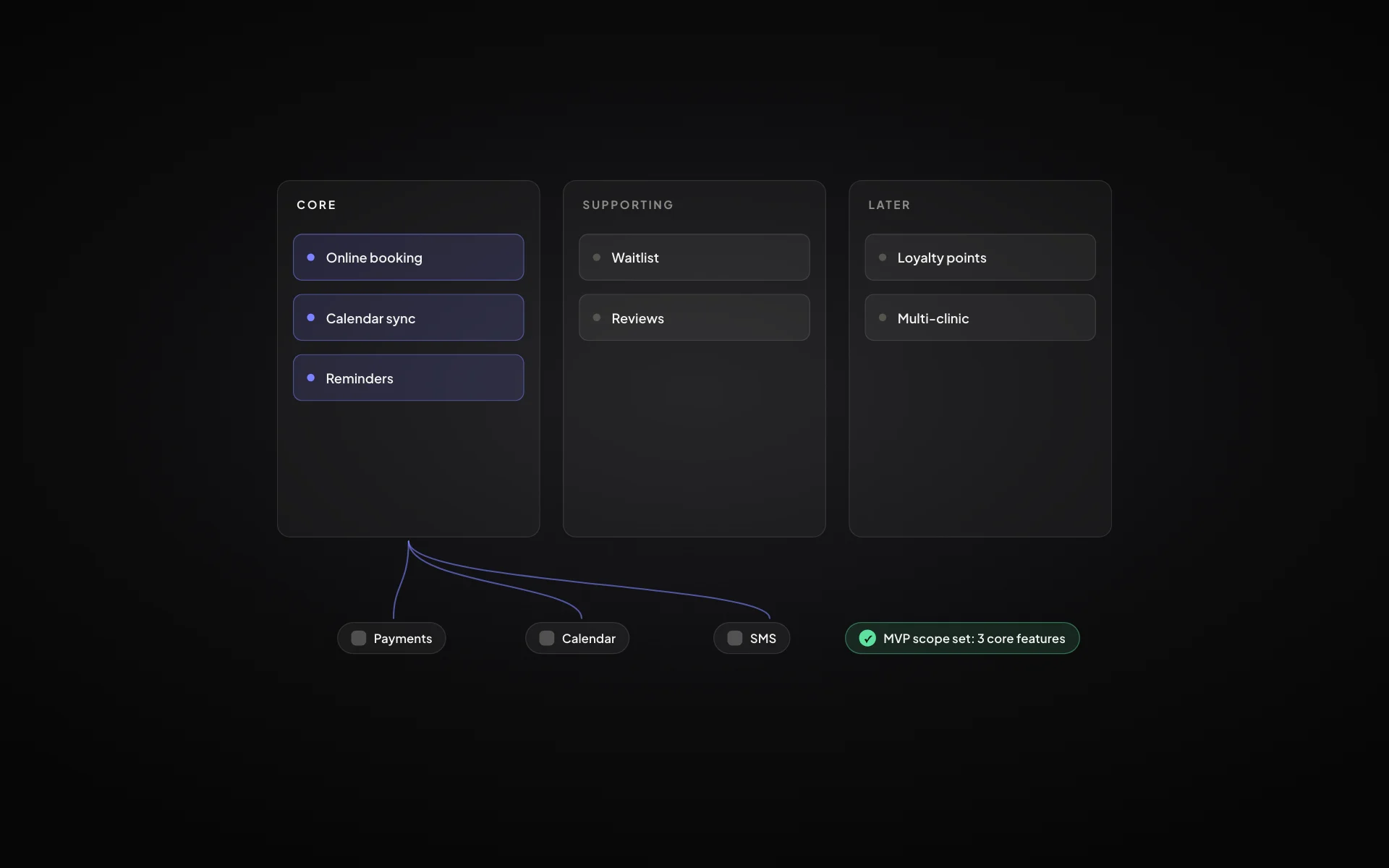
MVP scope: how to decide what goes into version one
A practical way to cut a feature list down to a minimum viable product that still solves the problem end to end.
Read article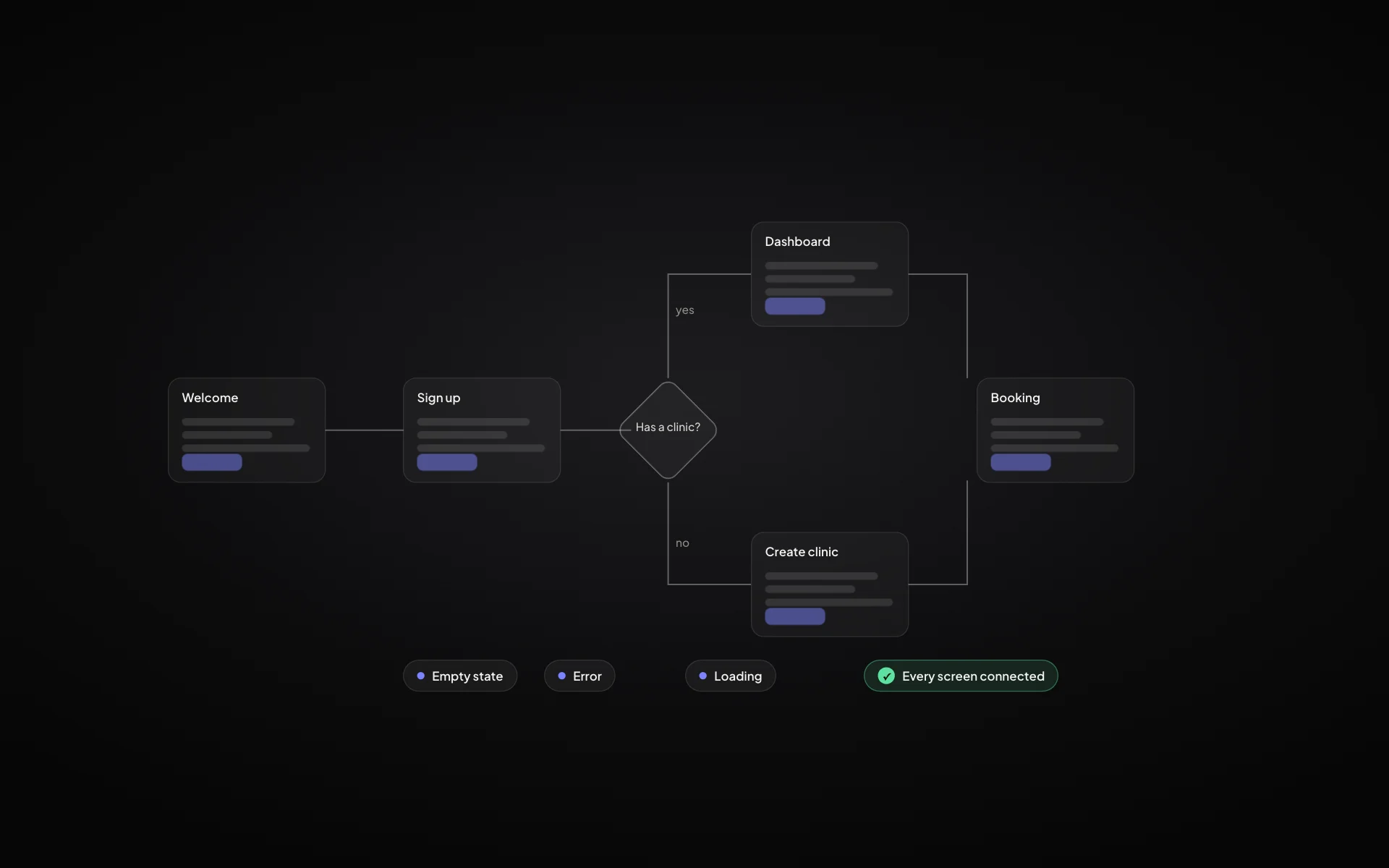
User flow vs user journey: what’s the difference and when to use each
Journeys show the whole experience over time; flows show the exact screens and decisions. Here is how they fit together in a product plan.
Read article