How to write a product requirements document (PRD) with AI
What a useful PRD contains, how AI can draft it in minutes, and the parts you still need to decide yourself.
 TwoSprint Team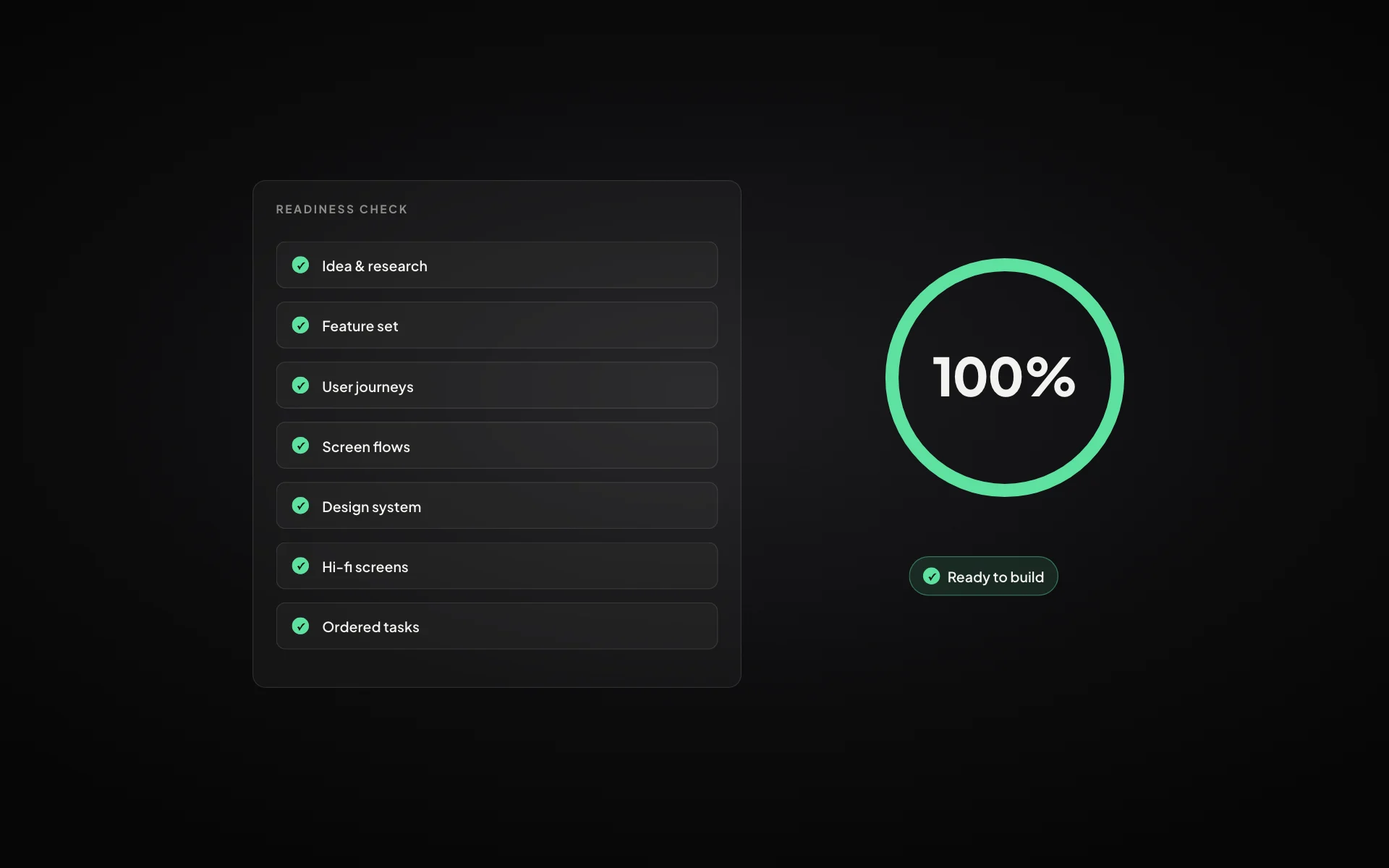
A product requirements document (PRD) describes what you are building, for whom, and how you will know it works. Done well, it is the single page everyone on the team can point to. Done badly, it is a long document nobody reads. AI can now draft most of a PRD in minutes, but only if you give it the right decisions.
What a useful PRD contains
- Problem and goal: what is broken today and what success looks like
- Users: the primary users and what they need to get done
- Scope: the features in this version, and what is explicitly out
- User flows: how each key task moves through the product
- Requirements: behaviour, edge cases, permissions and data
- Success metrics: the numbers you will watch after launch
What AI is good at
Given a clear idea and a few answers, AI is very good at the heavy lifting: structuring the document, listing edge cases you forgot, drafting acceptance criteria, suggesting metrics and spotting gaps between features and flows. It turns an hour of blank-page writing into a few minutes of reviewing.
What you still have to decide
AI cannot decide your strategy. Who the product is for, which problem matters most, what is out of scope and what “good” looks like are choices only you can make. A PRD generated without those decisions reads well and says nothing.
Give the AI your problem sentence, your primary users, your core features and what is out of scope. Ask it to find gaps rather than to invent the product.
Keep the PRD connected
The biggest weakness of PRDs is that they drift. The document says one thing, the designs another, the tickets a third. Keep requirements next to the flows and tasks they describe, and update them together.
A PRD is only as useful as its connection to the work.
In TwoSprint
You don’t write a separate PRD in TwoSprint: Sprint 1 builds it as you go. The Idea Workspace, Feature Set, Journeys and Flow Builder together form a living product spec, and the Tasks step turns it into ordered work. Because Sprint 2 builds from the same plan, the spec and the product stay in sync.
Plan, build and grow like a professional
Turn your idea into a structured product plan, build it into a working product, and grow with dedicated tools.
Start your productKeep reading
All posts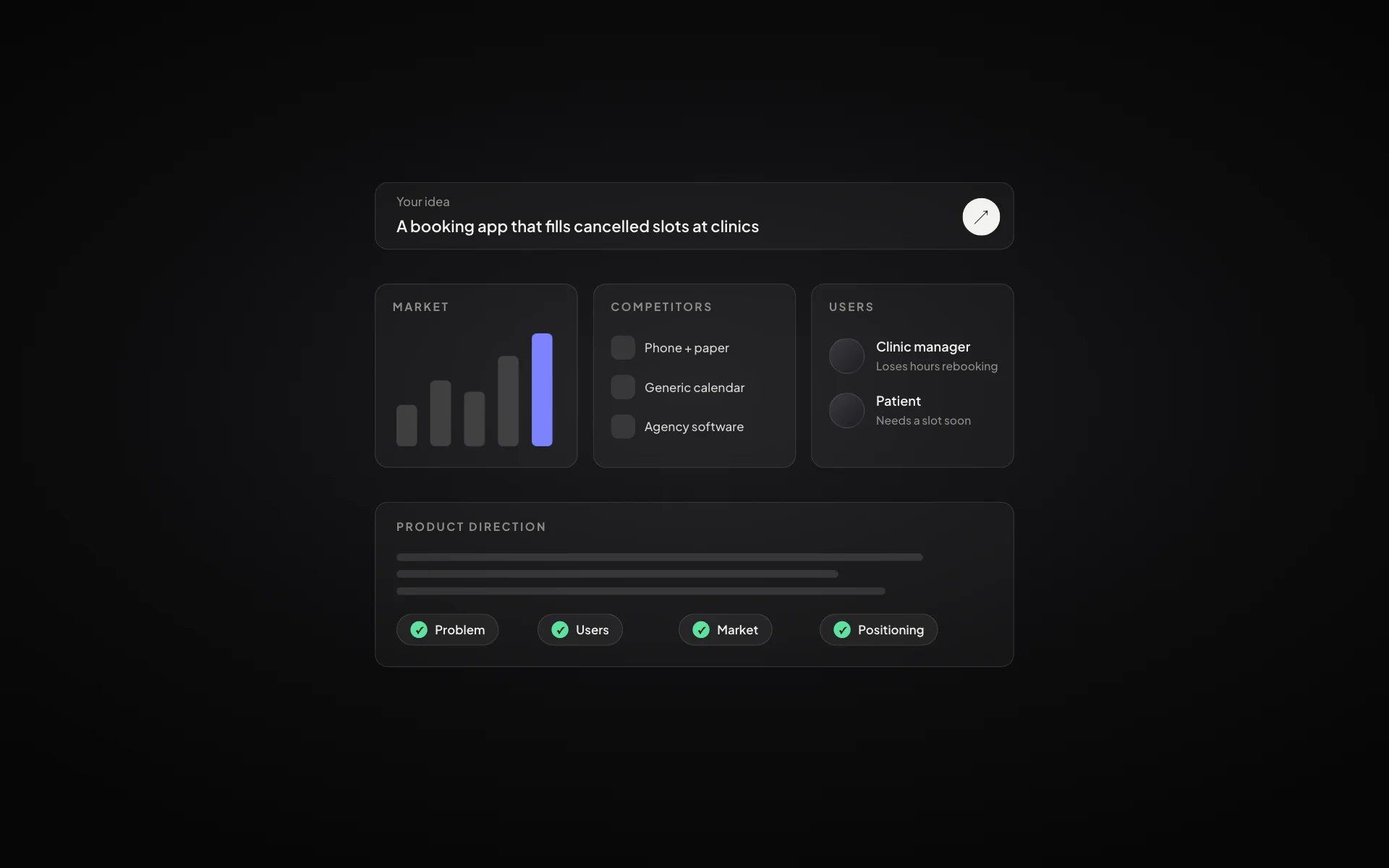
How to validate a startup idea before you build anything
Five checks that tell you whether an idea is worth building: the problem, the people, the alternatives, the willingness to pay and the first channel.
Read article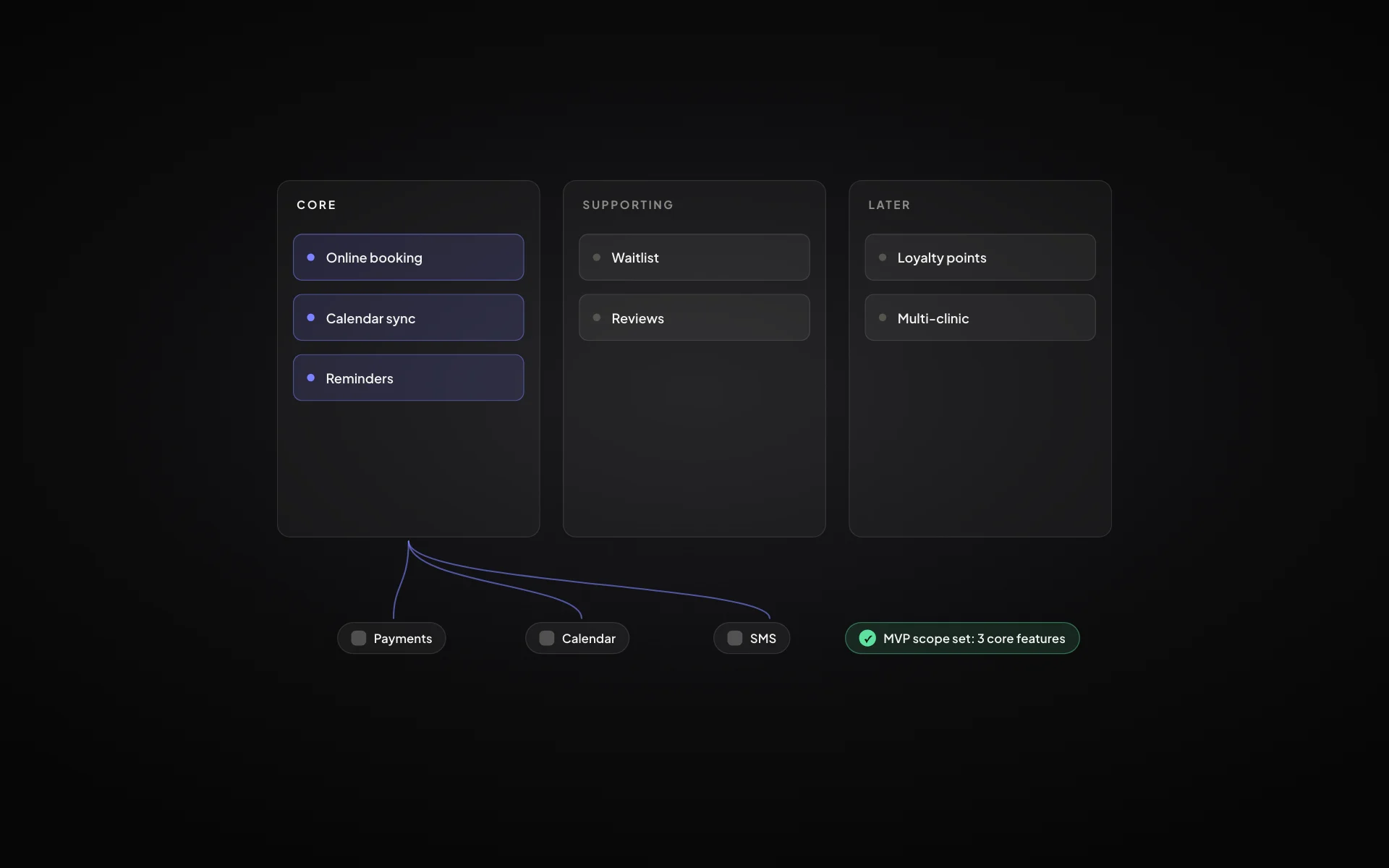
MVP scope: how to decide what goes into version one
A practical way to cut a feature list down to a minimum viable product that still solves the problem end to end.
Read article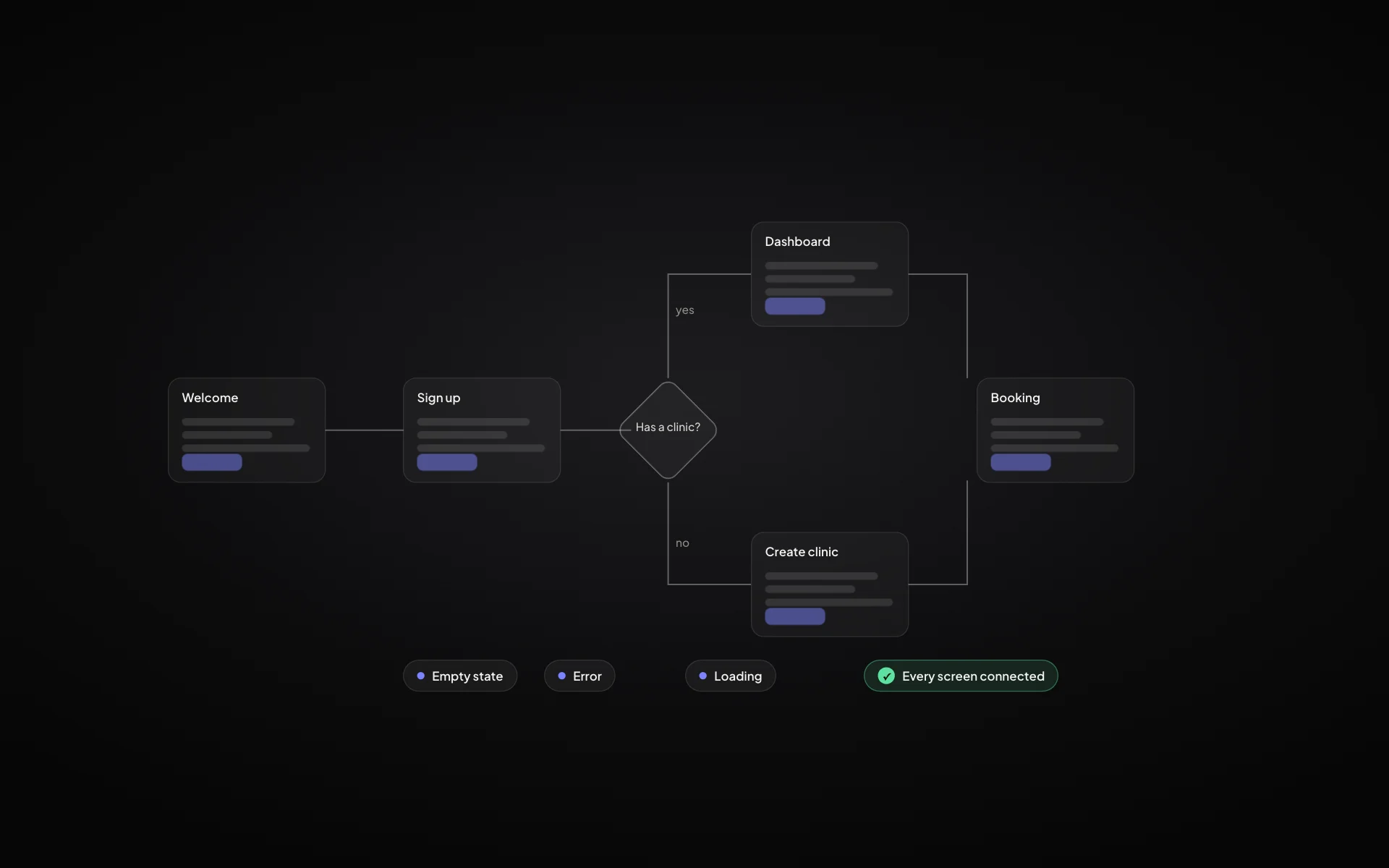
User flow vs user journey: what’s the difference and when to use each
Journeys show the whole experience over time; flows show the exact screens and decisions. Here is how they fit together in a product plan.
Read article